What does the scissor tool do in Illustrator?
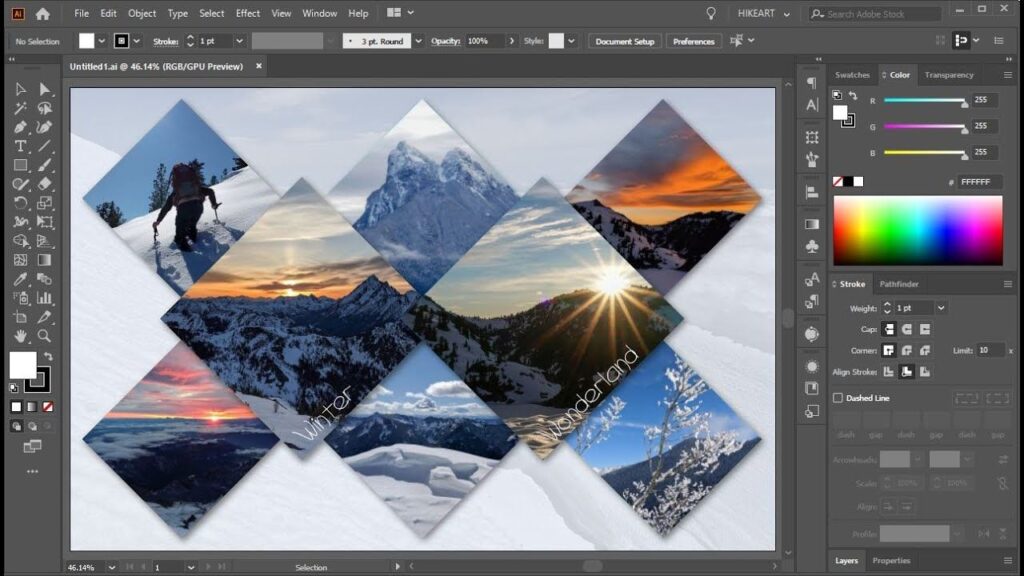
The Scissors tool lets you split a path or elements on the canvas at an anchor point or along a segment. Click and hold the Eraser tool, then click the Scissor tool or press C. Click the point on the path you want to split. Select the anchor points created due to the split or […]
What does the scissor tool do in Illustrator? Read More »