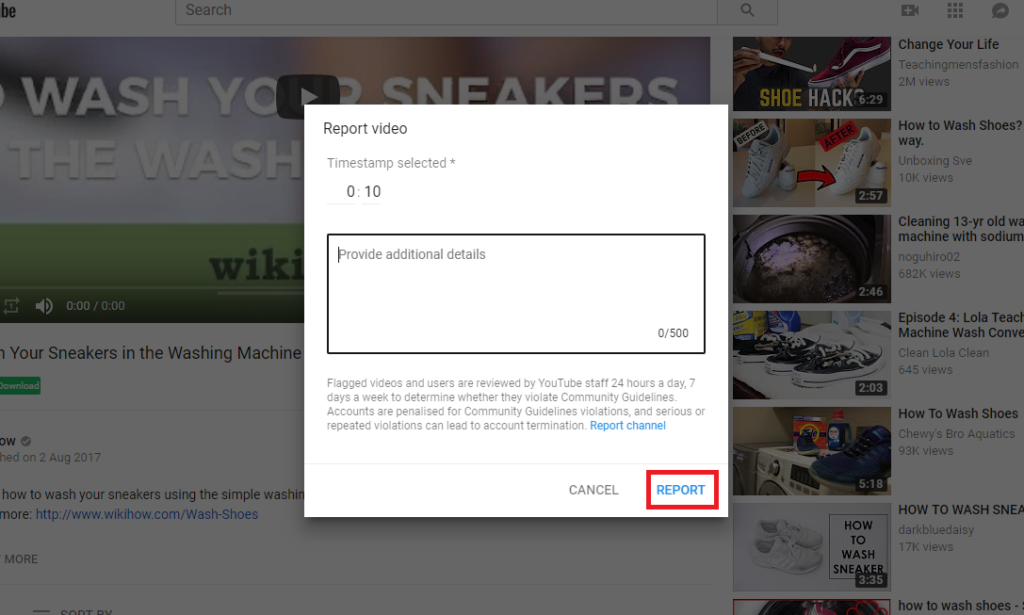
How do I report a YouTube video on mobile?
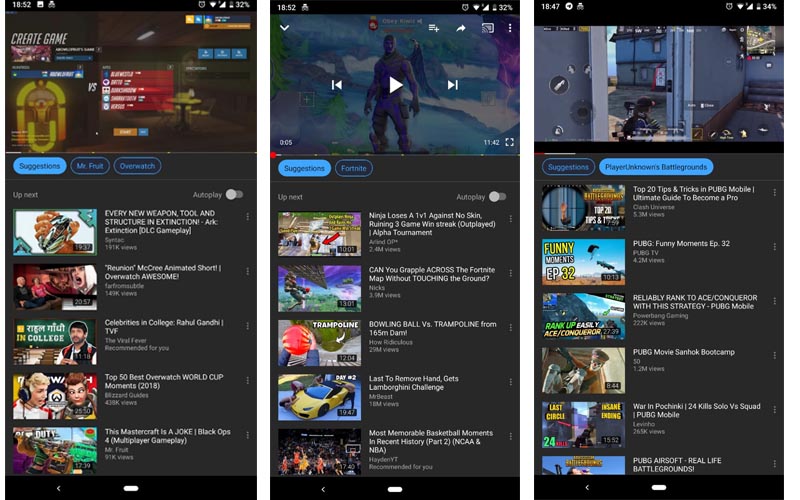
To report a video using the YouTube mobile app, you need to first tap the video to bring up all the options and controls. Next, tap the three little dots in the top right corner, and then click the “Report” option. Whichever platform you report the video on, you need to provide YouTube with a […]
How do I report a YouTube video on mobile? Read More »