How can I create a thumbnail for a video?
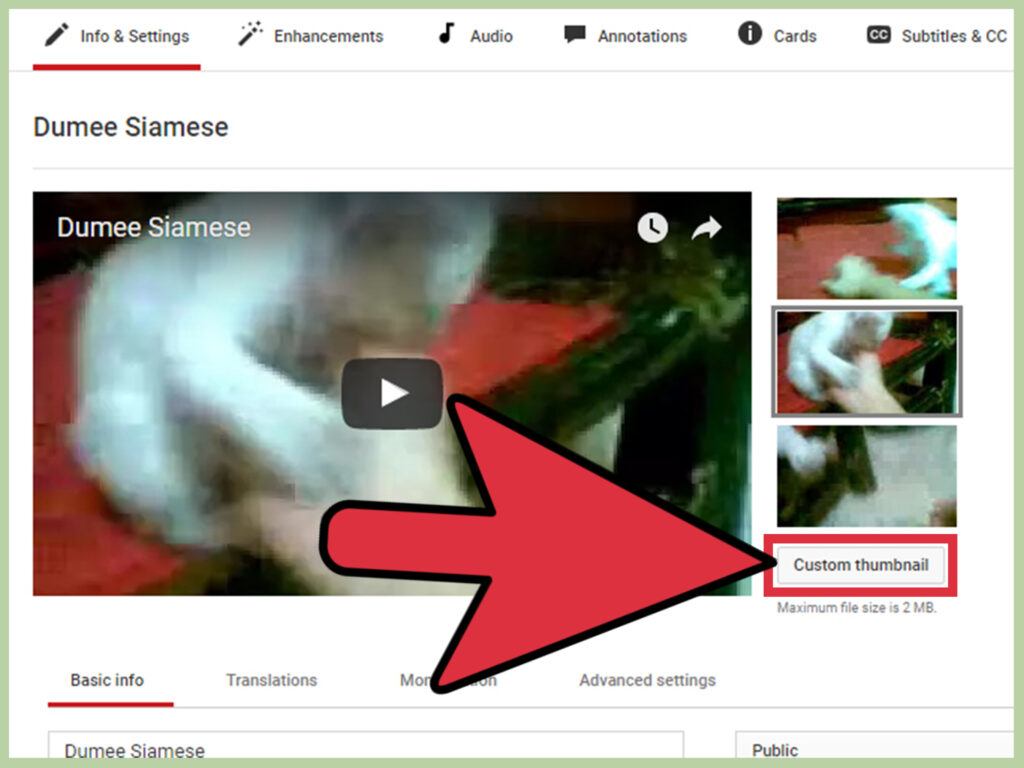
Log in to YouTube and click on the “My Channel” section: Click on the “Video Manager” button located on the top of your YouTube profile. … Select the video you want to change the thumbnail for and then click the “Edit” button below it. Click the “Custom Thumbnail” button just below the auto-generated thumbnail options. […]
How can I create a thumbnail for a video? Read More »